
Smart control – control your heat pump from your phone
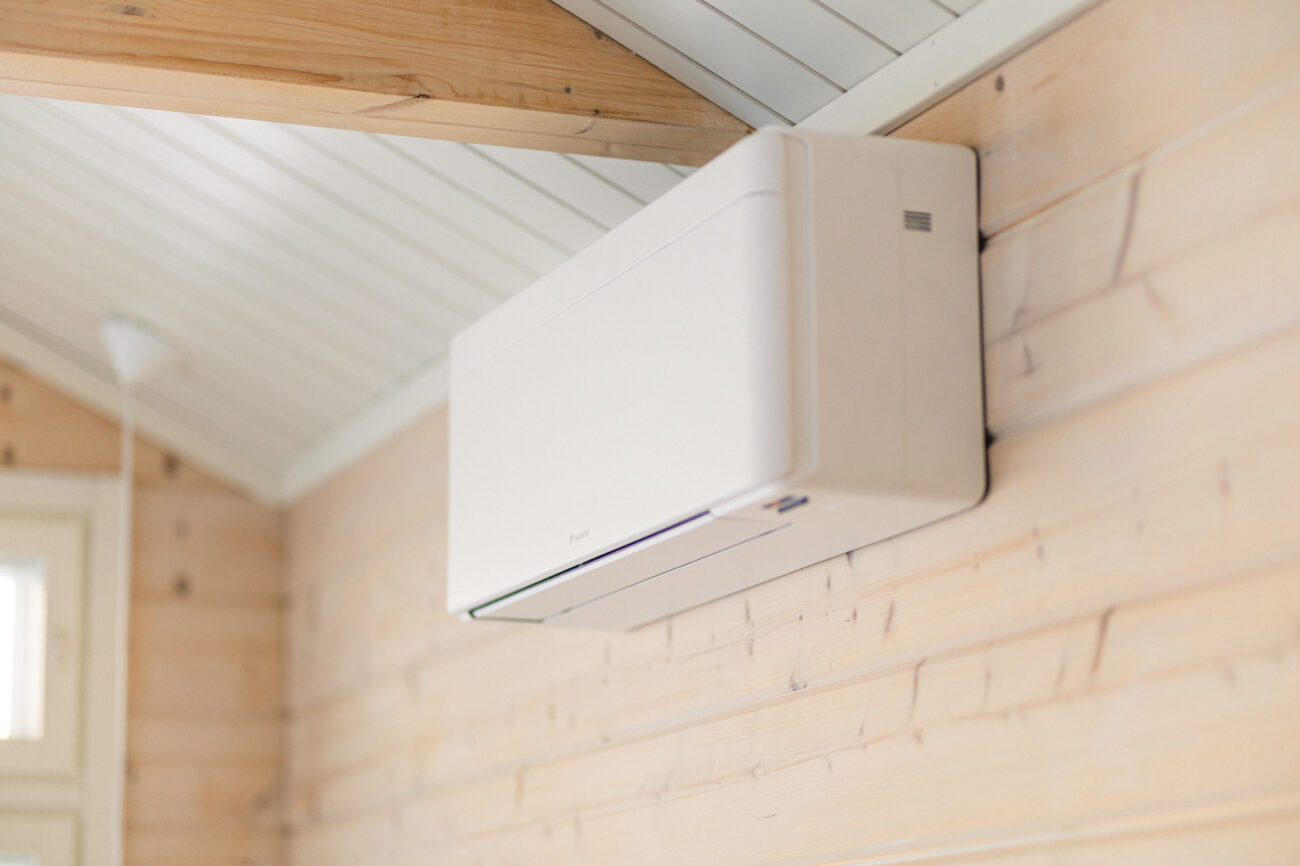
Smart control means you can control and adjust your air-to-air heat pump based on how you actually use your home. This could mean changing the temperature from your phone, creating schedules, controlling heating and cooling remotely, or using maintenance heating while you are away.
Many modern air-to-air heat pumps have WiFi and can be controlled through an app. The exact features vary between models. Some apps mainly offer remote control, while others also include features such as weekly schedules and information about energy use.
Smart control does not make the heat pump itself more energy-efficient. However, using it well can help you avoid unnecessary heating or cooling and make it easier to use your heat pump in a way that fits your everyday life.
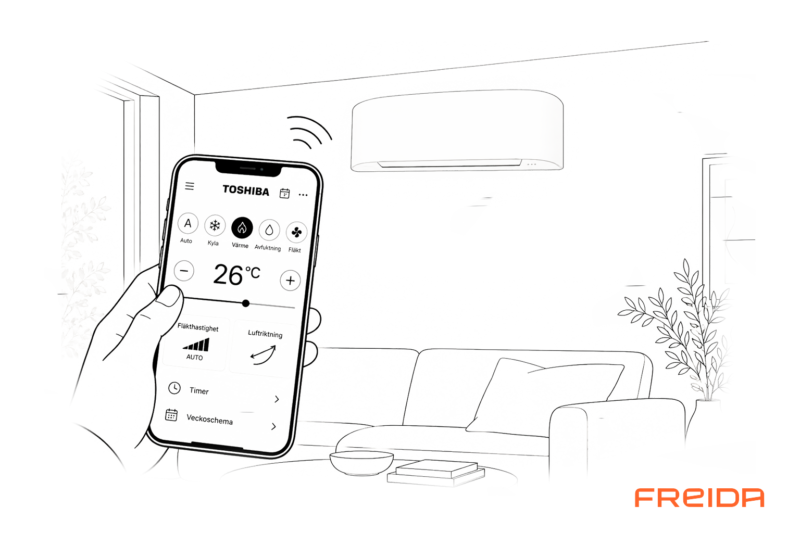
You are on your way home from work and want to come home to a comfortable 21°C. Or perhaps your holiday home is several hours away and you want to raise the temperature before you set off.
With a connected air-to-air heat pump, you do not have to stand in front of the indoor unit with the remote control. Many modern models can be controlled directly from your phone – even when you are not at home.
But smart control is more than just having a remote control on your phone. Used well, it can make it easier to adapt heating and cooling to your everyday life, create schedules and have better control over your indoor climate.
So what can you actually control – and which settings are smart to use?
What does smart heat pump control mean?
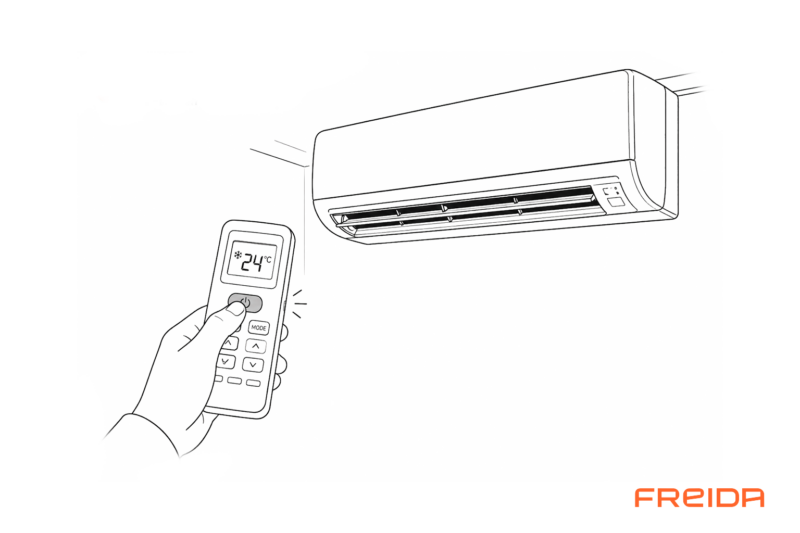
Every air-to-air heat pump has some form of control. The traditional option is the remote control supplied with the heat pump. You can use it to adjust settings such as the temperature, operating mode, fan speed and airflow direction.
When the heat pump has WiFi, those controls can move to your phone. The heat pump connects through your home internet connection to the manufacturer’s app.
Remote control
Control the heat pump when you are nearby.
WiFi + app
Control the heat pump from your phone – even when you are away from home.
Smart control
Schedules, remote control and other smart features can adapt operation to your needs.
Available features depend on the air-to-air heat pump and the manufacturer’s app.
What can you control from your phone?
With a WiFi-connected air-to-air heat pump, your phone can effectively work as a smart remote control. Exactly what you can do varies between models and apps, but common features include:
Temperature
Raise or lower the temperature setting directly from your phone.
Heating and cooling
Choose heating or cooling mode depending on the season and your needs.
Fan and airflow
On many models, you can adjust the fan speed and airflow direction.
Schedules
Some apps let you create timers or weekly schedules for different times and days.
Maintenance heating
On models with this feature, you can maintain a lower temperature when the house or holiday home is unoccupied.
Energy use
Some models and apps can also show information or estimates about energy use.
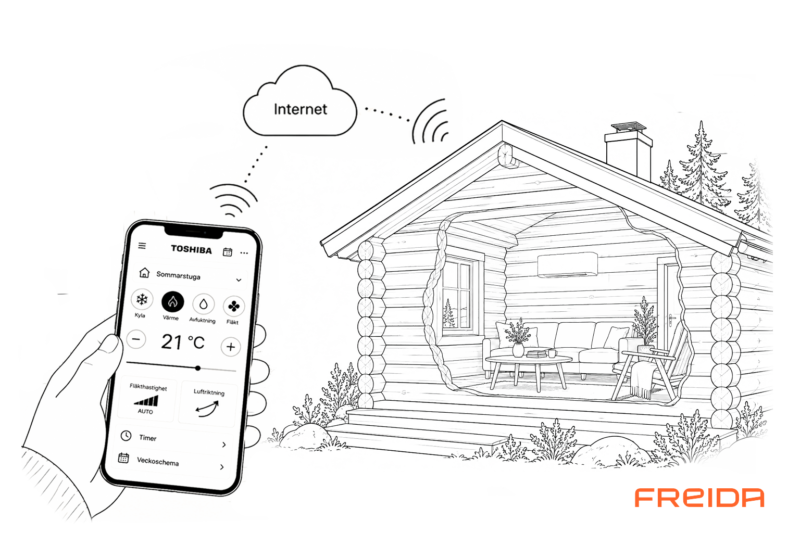
How remote control via WiFi works
When your air-to-air heat pump is connected to your home WiFi, you can control it over the internet from the app on your phone – even when you are away from home.
App on your phone → internet → WiFi → air-to-air heat pump
For example, you can change the temperature from work, check the settings while you are away or start cooling before you arrive home on a hot summer day.
When is smart control actually useful?
Being able to change the temperature from the sofa is convenient. But the real benefit comes when smart control makes it easier to adapt your heat pump to everyday life.
On your way home
Check the temperature or adjust the settings before you arrive.
While you are away
Check your heat pump settings even when you are far from home.
On hot days
Adjust the cooling remotely so your home is comfortable when you return.

Smart control is especially useful in a holiday home
In a holiday home, remote control can be much more than just a convenient feature.
If your air-to-air heat pump has a maintenance heating function, the property can be kept at a lower temperature while no one is there. Before you set off, you can then raise the temperature from your phone.
You can also check the heat pump settings without having to travel to the property.
Away → maintenance heating → raise the temperature remotely → arrive at a warmer home.
The temperatures available for maintenance heating and how the function works vary between models.
Can smart control reduce energy use?
Yes, when used well, smart control can help you avoid unnecessary energy use. But there is an important difference between smart control and the heat pump’s own energy efficiency.
Connecting your heat pump to WiFi does not change how efficiently the compressor operates or how much heat the unit can produce per kilowatt-hour of electricity.
Any potential savings instead come from how you use the heat pump. For example, you can adjust the temperature when the property is unoccupied, avoid unnecessary cooling and use schedules where they make sense.
Heat pump efficiency
Depends on factors such as the heat pump, outdoor temperature and operating conditions.
Smart control
Can help you use the heat pump when and how it is actually needed.
Smart control does not save energy by itself – how you use it is what can make a difference.
1. Let your heat pump run steadily
During the heating season, an air-to-air heat pump generally works best when it can run continuously and adjust its output according to demand.
Avoid using the app as an on/off switch several times a day. A modern inverter-controlled air-to-air heat pump automatically adjusts its output as heating demand changes.

2. Find the right temperature for your home
The temperature you set on the heat pump does not necessarily match the temperature in the middle of the room exactly.
The temperature sensor is usually located in the indoor unit high up on the wall. The layout of your home and the airflow also affect how heat is distributed.
If you want the room to be 21°C, for example, the heat pump may need to be set slightly higher or lower. Try different settings and use the actual temperature where you spend your time as your guide.
3. Avoid AUTO mode
Use heating mode (HEAT) when you want to heat your home and cooling mode (COOL) when you want to cool it. Avoid AUTO mode.
In AUTO mode, the air-to-air heat pump decides whether to heat or cool based on the temperature. This can mean, for example, that the heat pump starts cooling when the sun, a fireplace or another heating system raises the indoor temperature – even though you actually want to keep the home heated.
Choose HEAT during the heating season and COOL when you use your air-to-air heat pump as AC.
4. Avoid unnecessary large temperature changes
Being able to change the temperature from your phone does not mean you need to adjust it all the time.
For everyday use, keeping the temperature steady is often both comfortable and simple. If you lower the temperature significantly, the home will need to be heated back up later.
Scheduling is most useful when your needs actually change – for example, when a holiday home is unoccupied for longer periods.
5. Use smart features where they make a real difference
It is easy to focus on the number of features when comparing apps and heat pumps. But more features do not automatically mean better control.
Instead, think about what you actually need. For some people, being able to change the temperature from their phone is enough. For others, a weekly schedule, maintenance heating or the ability to monitor energy use may be much more important.
The best smart control is the one that makes your heat pump easier to use in your everyday life.

Do all air-to-air heat pumps have WiFi?
No. WiFi and app control vary between air-to-air heat pumps.
Some models have WiFi built in. Others may require a separate adapter or module for WiFi control. There are also models that do not offer app control at all.
App features also vary. So it is worth checking more than whether the product information simply says “WiFi”.
Built-in WiFi
The heat pump is ready for app control without a separate WiFi module.
Optional WiFi
A separate module or adapter may be required to connect the heat pump.
Different apps
Features vary between manufacturers and models, even when both have WiFi.
Looking one with a WiFi or a smart app?
Contact us, We will help you.
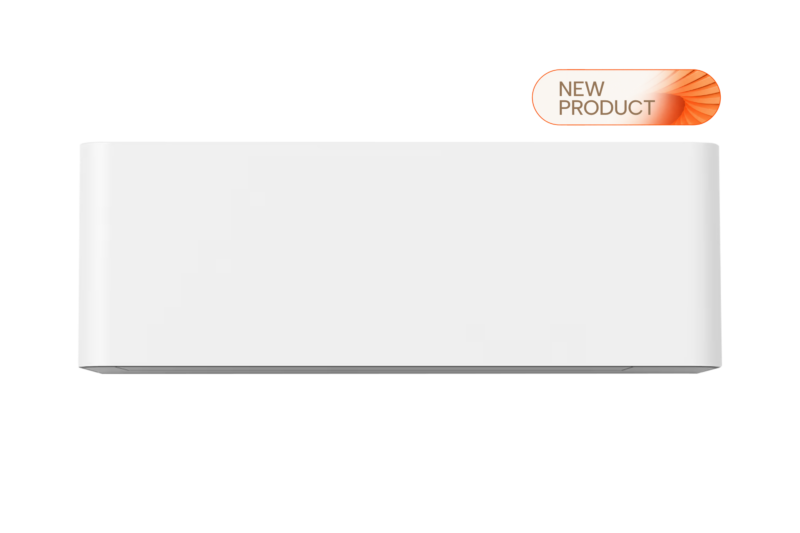
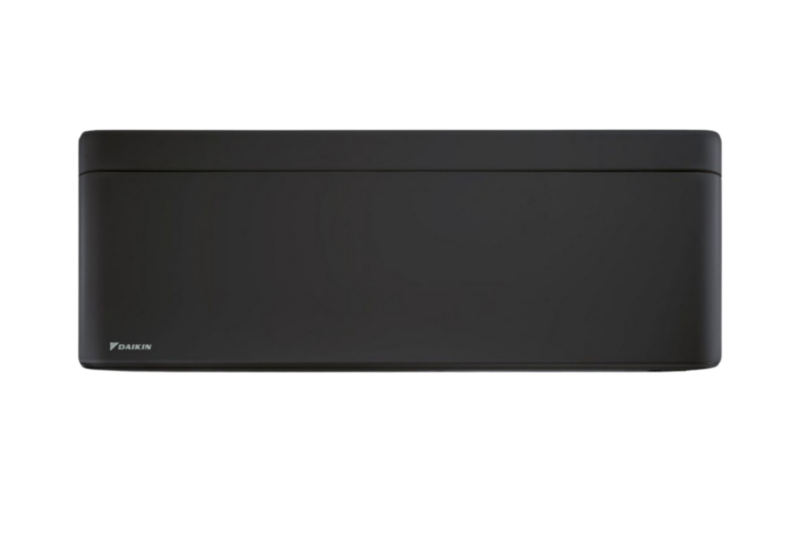
Heat pumps with smart control




Too many options?
Find your heat pump in a minute.
Talk to an expert
010 880 05 10
What happens if the internet stops working?
A WiFi-connected air-to-air heat pump is still a heat pump even if the internet connection goes down.
The heat pump will normally continue operating according to its settings, and you can still control it locally using the standard remote control.
What you temporarily lose are the features that require an internet connection, such as the ability to change settings from your phone when you are somewhere else.
WiFi is simply one way to control your heat pump – it is not required for the heating or cooling itself.


Find an air-to-air heat pump with the right features for you
WiFi, maintenance heating, efficient heating or comfortable cooling in summer?
Tell us about your home and what matters to you – and we will help you find options that suit your needs.
Read more
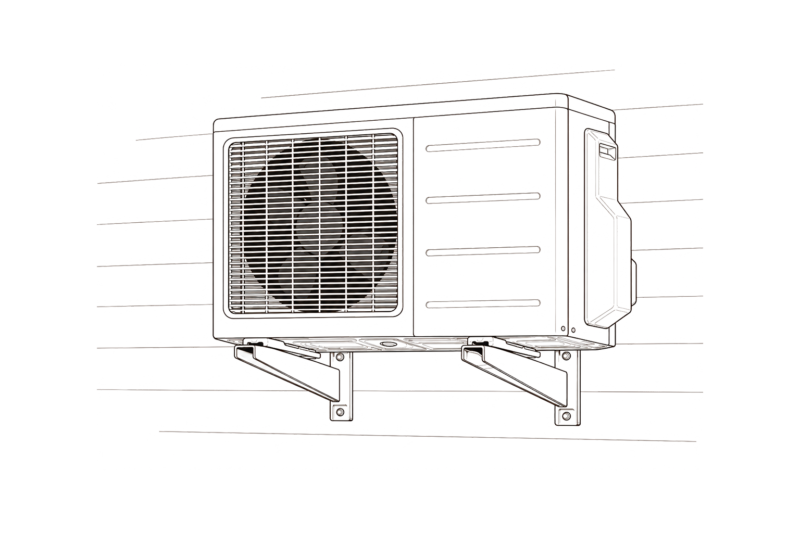
Have you ever wondered how an air-to-air heat pump actually works?
We made a simple illustrated guide that explains the whole process step by step.
Frequently asked questions about heat pump control
Yes, if the air-to-air heat pump has WiFi and supports app control. Depending on the model, WiFi may be built in or require a separate module. The app will usually let you adjust settings such as the temperature and operating mode.
Yes. A WiFi-connected air-to-air heat pump with remote control can normally be controlled over the internet even when your phone is not connected to your home WiFi.
This means you can, for example, change the temperature from work or check the settings while you are away.
No. Some air-to-air heat pumps have built-in WiFi, while others require a separate WiFi module. There are also models without app control. Always check the specifications of the model you are interested in.
Smart control does not make the air-to-air heat pump itself more energy-efficient. However, features such as remote control and scheduling can help you avoid unnecessary heating or cooling and adapt how you use the heat pump to your needs.
During the heating season, it is normally best to let an air-to-air heat pump run continuously in heating mode and regulate its own output according to demand.
There are, of course, situations where you may want to change the settings, such as during a longer absence.
The heat pump can normally continue operating according to its settings and can still be controlled with the standard remote control. Features that require an internet connection, such as controlling the heat pump remotely from your phone, will not be available until the connection is restored.
Smart control should make everyday life easier
WiFi and app control make it easy to manage your heat pump remotely.
What matters is choosing features that fit your needs – whether that means simple remote control and scheduling at home or maintenance heating for a holiday home.
Looking for a smart air-to-air heat pump?
We can help.

No cold corners.
No sudden heat.
That’s Nordic Comfort.